





 Windows
 Office
 Server
 Antivirus
 WordPress
 Themes
 Plugins
 Essentials
 Other Software
 Adobe
Adobe Autodesk
 CorelDraw
 Setup Guides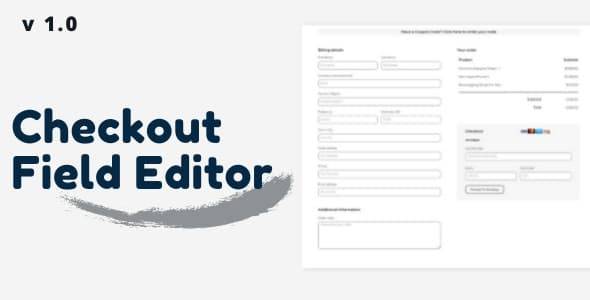



Customize your Checkout Fields via your admin panel
The checkout field editor provides you with an interface to add, edit, and remove fields shown on your WooCommerce checkout page. Fields can be added and removed from the billing and shipping sections, as well as inserted after these sections next to the standard ‘order notes.
The editor supports several types of custom fields including text, select, checkboxes, and date pickers.
Core fields can also be moved around giving you more control over your checkout without touching the code.




Reviews
There are no reviews yet.